If you have ever felt overwhelmed by the sheer volume of digital information you consume daily—endless bookmarks, half-read articles, scattered voice notes, and forgotten podcast takeaways—you are not alone. The modern professional’s biggest challenge isn’t finding information; it is retaining and utilizing it.
Enter the concept of a “Second Brain.”
Popularized by productivity expert Tiago Forte, a Second Brain is an external, centralized system designed to store, organize, and retrieve your ideas. But here is the twist: building a Second Brain manually takes a massive amount of time.
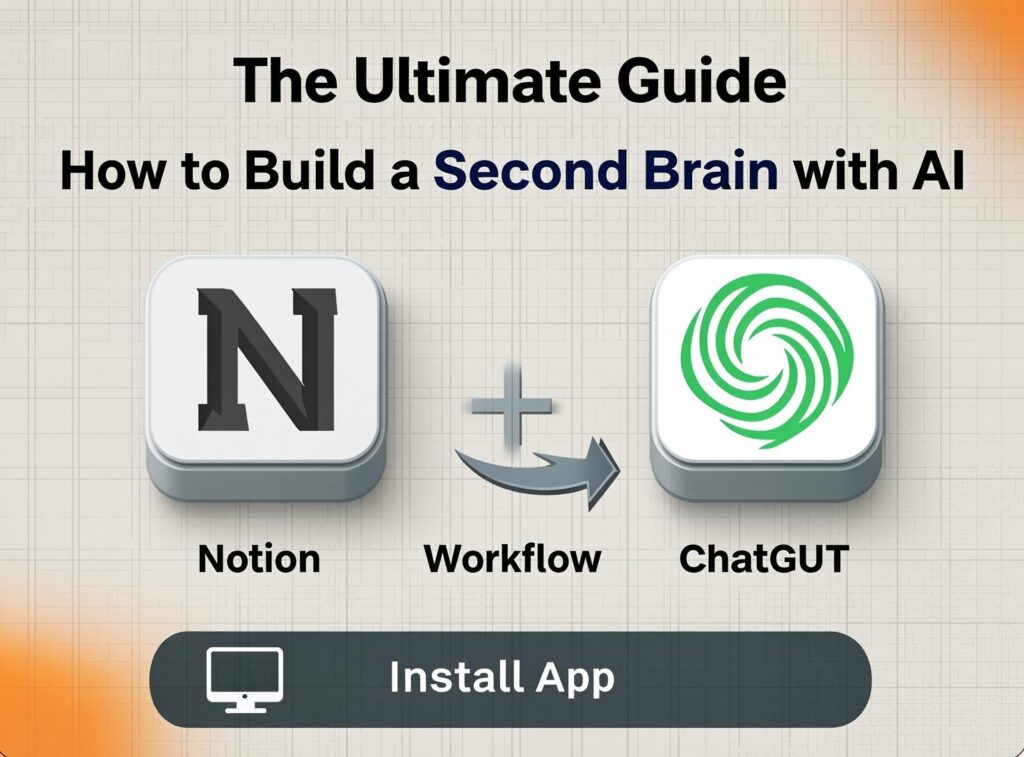
By combining the structured database power of Notion with the natural language processing capabilities of ChatGPT, you can create an AI-powered Second Brain that doesn’t just store information—it thinks, synthesizes, and creates alongside you.
In this comprehensive guide, we will walk through a step-by-step workflow on how to build a Second Brain with AI using Notion and ChatGPT.
Why Use Notion and ChatGPT Together?
Before we dive into the “how,” it is crucial to understand the “why.”
Notion is an incredible tool for building interconnected databases. It acts as the filing cabinet for your Second Brain. However, Notion alone is passive; it only gives back exactly what you put into it.
ChatGPT, on the other hand, is an active engine. It can read, summarize, brainstorm, and connect dots. However, ChatGPT has a “goldfish memory” problem—it forgets your past conversations unless you constantly remind it.
By integrating the two, you get the best of both worlds: Notion provides the permanent storage and structure, while ChatGPT acts as the intelligent librarian and research assistant.
Step 1: Set Up Your Notion Workspace (The Foundation)
To build a Second Brain with AI, you first need a place to store your data. We will use the widely accepted PARA Method (Projects, Areas, Resources, Archives) as our foundational structure in Notion.
Create a new page in Notion and set up four distinct databases:
- Projects: Short-term efforts with a specific goal and deadline (e.g., “Launch Q3 Marketing Campaign”).
- Areas: Long-term responsibilities with no end date (e.g., “Health & Fitness,” “Personal Finances”).
- Resources: Topics of interest or reference materials (e.g., “Copywriting formulas,” “Web design inspiration”).
- Archives: Inactive items from the other three categories.
Within your “Resources” database, create a template called “Knowledge Note.” This template should have the following properties:
- Source URL: Where did you find this?
- Author: Who wrote it?
- Tags: For easy filtering (e.g., #productivity, #AI).
- Summary: A text area for your notes.
Step 2: The Capture Phase (Using ChatGPT as a Funnel)
The first step of any Second Brain system is capturing information without friction. Trying to summarize a 45-minute podcast or a 3,000-word article while you are rushing to work is impossible. This is where ChatGPT steps in.
The AI Capture Workflow
Whenever you come across a long-form piece of content (a YouTube transcript, an article, or a PDF), copy the text and paste it into ChatGPT. Use this specific prompt:
“I am building a Second Brain. Please read the following text and extract the 5 most important actionable takeaways. Format the output as bullet points. Below the bullet points, provide a 3-sentence summary of the overall theme. Finally, suggest 3 SEO-friendly tags for this content.”
The Result: ChatGPT will instantly distill a massive wall of text into a highly digestible format. Copy this output and paste it directly into the “Summary” section of your Notion “Knowledge Note” template.
Step 3: Organize and Tag with AI Assistance
A common trap when building a Second Brain is creating too many tags and folders, making it impossible to find anything later. AI can help you standardize your taxonomy.
Every time you add a new note to Notion, run the title and summary through ChatGPT using this prompt:
“Based on this note title and summary, which of the following existing tags should I apply? [Insert your current list of tags in Notion]. If none fit perfectly, suggest one new, broad tag that aligns with my existing taxonomy.”
This ensures your Notion database remains clean, searchable, and free of duplicate tags like #marketing, #market, and #marketer.
Step 4: The Synthesize Phase (Connecting the Dots)
Storing information is useless if you never use it. The true power of a Second Brain comes from synthesizing your notes into new creations—whether that is a blog post, a business strategy, or a presentation.
This is where the Notion + ChatGPT workflow shines.
How to Synthesize:
- Open Notion and use the filter feature to pull up all notes tagged with the topic you are writing about (e.g., filter by #copywriting).
- Highlight and copy the summaries of those notes.
- Open ChatGPT and use the following prompt:
“I am going to provide you with several notes from my Second Brain regarding [Your Topic]. Please review these notes and draft a comprehensive outline for a [blog post/presentation/newsletter] that connects these ideas logically. Ensure that the outline highlights how these different notes relate to one another.”
Paste your Notion notes into the chat. ChatGPT will analyze your past insights and generate a customized outline based only on the information you have actively chosen to save.
Step 5: Automate the Workflow (Optional but Powerful)
If you want to take your AI Second Brain to an advanced level, you can connect Notion and ChatGPT using automation tools like Zapier or Make (Integromat).
Here is a simple automation to build:
- Trigger: You save a new article URL to a specific Notion database.
- Action 1: Zapier sends the URL to a web scraping tool (or ChatGPT with browsing capabilities) to extract the text.
- Action 2: The text is sent to ChatGPT via API with the prompt to extract 5 takeaways and a summary.
- Action 3: Zapier updates the original Notion page with the AI-generated summary and tags.
While this requires a bit of initial setup, it creates a truly “passive” Second Brain where information is captured and summarized automatically the moment you save a link.
Best Practices for Your AI-Powered Second Brain
To ensure your system remains effective and doesn’t become a digital dumping ground, keep these rules in mind:
- Garbage In, Garbage Out: ChatGPT cannot synthesize brilliant ideas from poorly captured notes. Ensure you are saving high-quality, actionable content.
- Review Weekly: Spend 30 minutes every week reviewing your Notion “Resources” database. Move items to “Projects” if they become actionable, or to “Archives” if they are no longer relevant.
- Don’t Over-Automate: While AI is great for summarizing, the act of manually writing out key takeaways helps with memory retention. Use ChatGPT for heavy-lifting long texts, but manually note down ideas from books or deep-dive courses.
- Protect Your Privacy: Never paste sensitive personal information, passwords, or confidential company data into public AI models.
Conclusion
Building a Second Brain is no longer a tedious chore reserved for hyper-organized productivity gurus. By leveraging a Notion + ChatGPT workflow, anyone can capture, organize, and synthesize information at scale.
Notion provides the robust architectural framework, while ChatGPT acts as the cognitive engine that processes and connects the dots. Start small today: set up your PARA databases in Notion, and the next time you read a long article, let ChatGPT help you summarize it. Over time, you will build a digital library that not only remembers everything for you but actively helps you create better, faster, and smarter.
Frequently Asked Questions (FAQs)
1. Can I use Notion AI instead of ChatGPT? Yes, Notion AI is a powerful tool built directly into the workspace. However, ChatGPT (especially the Plus version with GPT-4) currently offers more advanced reasoning, web browsing, and the ability to upload multiple large documents simultaneously. For advanced synthesis across many notes, ChatGPT is still the preferred tool.
2. Is building a Second Brain with AI difficult? Not at all. The initial setup of your Notion databases takes about an hour. Once your templates and tags are set up, using ChatGPT to summarize and organize becomes a seamless part of your daily reading routine.
3. What if I don’t want to pay for ChatGPT Plus? The free version of ChatGPT is more than capable of summarizing text and drafting outlines. While it may lack web-browsing capabilities and advanced data analysis, the core workflow outlined in this article works perfectly on the free tier.
4. How is this different from just bookmarking links? Bookmarking a link only saves the URL. When you want to use that information later, you have to re-read the entire article. By using AI to extract the core takeaways into Notion upfront, you are saving your future self hours of reading time.