

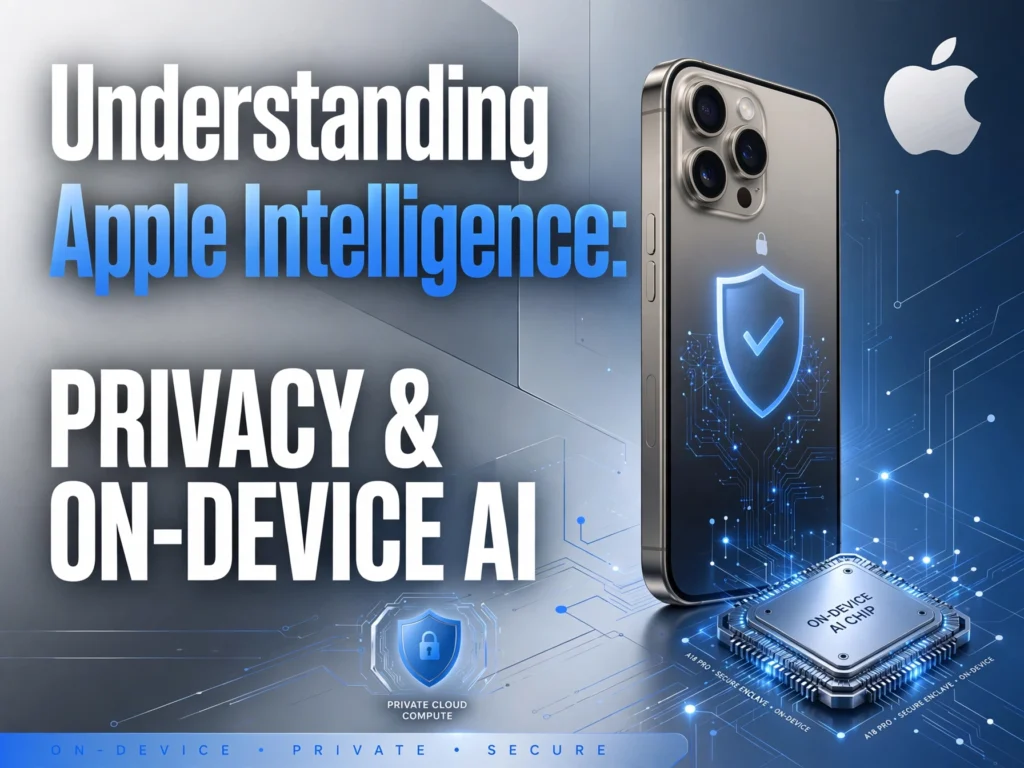
Artificial intelligence is everywhere these days. From writing emails to generating surreal artwork, AI has quickly become a staple in our digital lives. However, as AI becomes more powerful, a massive concern has grown right alongside it: privacy.
What happens to your data when you ask an AI to summarize a confidential email? Where does your personal information go when you ask a chatbot for relationship advice?
Enter Apple Intelligence.
Apple’s approach to artificial intelligence is fundamentally different from its competitors. Instead of relying entirely on massive, remote servers to process your data, Apple has built an ecosystem around on-device AI and unmatched privacy standards.
In this comprehensive guide, we will break down exactly what Apple Intelligence is, how on-device AI works, and why Apple’s privacy-first approach might completely change how we interact with our phones.
What is Apple Intelligence?
Apple Intelligence is Apple’s native, built-in artificial intelligence system, integrated directly into iOS, iPadOS, and macOS. Unlike standalone chatbot apps that you have to download and open separately, Apple Intelligence is woven into the fabric of your device’s operating system.
It isn’t just a text generator. It is designed to understand your personal context. It knows who your mom is, what appointments you have today, and what files you were working on yesterday. By combining generative AI models with your personal data, Apple Intelligence aims to make your iPhone, iPad, and Mac genuinely helpful in your day-to-day life.
Features include system-wide Writing Tools (proofreading, rewriting, and summarizing text), a much smarter and more conversational Siri, and fun creative tools like Image Playground and Genmoji.
But the real magic of Apple Intelligence isn’t what it does—it’s how it does it.
The Core Philosophy: Privacy at the Forefront
If you ask Google or OpenAI to summarize a private email, your data is typically sent to a massive data center, processed by a server, and then the result is sent back to you. This creates a massive vulnerability. Your personal data is temporarily stored on servers that could potentially be breached or used to train future AI models.
Apple has always maintained that “privacy is a fundamental human right.” When they decided to enter the AI race, they refused to compromise this core belief.
Their solution? Keep your data as close to you as possible. This brings us to the concept of on-device processing.
What is On-Device AI?
To understand on-device AI, let’s use a simple analogy.
Imagine you need to solve a complex math problem. You have two choices:
- You can write the problem down, put it in an envelope, and mail it to a mathematician in another country. They solve it and mail the answer back. (This is Cloud-Based AI).
- You can learn how to solve the problem yourself and do it at your own desk. (This is On-Device AI).
On-device AI means that the actual “thinking” and processing happen locally on the silicon chip inside your iPhone, iPad, or Mac. Your data never leaves your device.
How Does the Phone Do This?
Modern Apple devices are equipped with powerful chips (like the A17 Pro for iPhones and the M-series chips for Macs and iPads). These chips contain a specific component called a Neural Engine.
The Neural Engine is essentially a specialized brain built specifically to handle machine learning tasks efficiently. Because it is so powerful, your phone can run complex AI models locally without draining your battery or needing an internet connection.
When you ask Apple Intelligence to rewrite a paragraph to sound more professional, the processing happens right there in your hand. The text never touches an external server.
What Happens When the Phone Isn’t Powerful Enough?
While Apple’s chips are incredibly powerful, they still have physical limits. Sometimes, an AI request is too complex for your phone to handle alone. For example, if you ask Siri a highly complex, multi-part question that requires vast amounts of general knowledge, your phone might not have the processing power to answer it instantly.
In the past, tech companies solved this by sending your data to the cloud. Apple created a groundbreaking alternative: Private Cloud Compute (PCC).
The Magic of Private Cloud Compute
When your device encounters a task it can’t handle locally, Apple Intelligence securely sends only the necessary data to a dedicated Apple server using PCC. Here is why this is revolutionary:
- No Storage: The servers are built so that your data is processed in active memory only to answer your request. It is never saved to a hard drive.
- No Access for Apple: Not even Apple engineers can access your data while it is being processed.
- No Training: Your personal data is never used to train Apple’s foundational AI models.
- Immediate Deletion: As soon as the server generates the answer and sends it back to your phone, the request is permanently destroyed.
Apple has essentially brought the security and privacy of on-device processing to the cloud. You get the massive power of cloud computing without giving up your privacy.
Key Benefits of On-Device AI
Beyond just keeping your data safe, Apple’s focus on local processing offers several distinct advantages to everyday users:
1. Lightning-Fast Speeds
Because your data doesn’t have to travel back and forth over the internet to a remote server, tasks are completed almost instantly. Summarizing an article or generating a Genmoji happens in the blink of an eye.
2. Offline Functionality
Since many tasks are processed locally, you don’t always need a Wi-Fi or cellular connection to use AI features. If you are on an airplane or in an area with terrible service, you can still use Apple Intelligence to proofread a document or ask Siri to set a complex timer chain.
3. Deep Personal Context
Because your personal data (your contacts, your calendar, your files) stays on your phone, the AI can securely look at that data to give you better answers. If you ask, “When is my mom’s flight landing?” the AI can cross-reference your mom’s contact info with the flight tracking data in your Mail app. It does this without uploading your personal life to a corporate server.
4. Peace of Mind
Ultimately, the biggest benefit is psychological. You can use AI tools to help manage your health data, your legal documents, and your personal correspondence without the nagging worry that a tech company is reading your most private thoughts.
The Future of Secure Artificial Intelligence
Apple Intelligence proves that you don’t have to sacrifice privacy to get powerful AI features. By leaning heavily into on-device processing and creating a secure, ephemeral cloud system for complex tasks, Apple has set a new standard for the industry.
As artificial intelligence continues to evolve and embed itself deeper into our lives, the line between “digital assistant” and “privacy invader” will become increasingly thin. Apple’s approach ensures that your phone works for you, without exposing your personal data to the world.
If you have been hesitant to embrace AI because of privacy concerns, on-device AI might just be the bridge you’ve been waiting for.
Frequently Asked Questions (FAQs)
1. Which devices support Apple Intelligence? Because on-device AI requires significant processing power, Apple Intelligence is currently available on iPhone 15 Pro and iPhone 15 Pro Max, the entire iPhone 16 lineup, and Macs and iPads equipped with M1 chips or newer.
2. Does Apple Intelligence cost money? No, Apple Intelligence is a free software feature built into iOS 18, iPadOS 18, and macOS Sequoia.
3. Can I turn off Apple Intelligence if I don’t want it? Yes. Apple provides granular control over AI features. You can turn off Apple Intelligence entirely in your device’s settings, or you can choose to disable specific features like Writing Tools or Image Playground.
4. Is on-device AI better than ChatGPT? They serve different purposes. On-device AI is incredibly fast, private, and tailored to your personal phone data. However, ChatGPT (which Apple is integrating as an optional feature in Siri) is still superior for highly complex, creative, or deep research tasks that require massive, web-sourced knowledge bases.